
Turbo Booster
Turbo Booster is a free Android cleaner and booster app from Softonic International SA that clears junk files and closes background apps.
9.0 MB

26.12.2 · AVG Mobile · Page updated
AVG Cleaner – Storage Cleaner is an Android app from AVG Mobile that finds junk files, duplicate photos and large files to free up storage.
Average 0.0 · ratings: 0
Thank you! Your rating is saved; you can change it. Could not save the rating. Please try again later. Too many ratings from your network today. Please try again tomorrow. The average appears after 5 ratings.
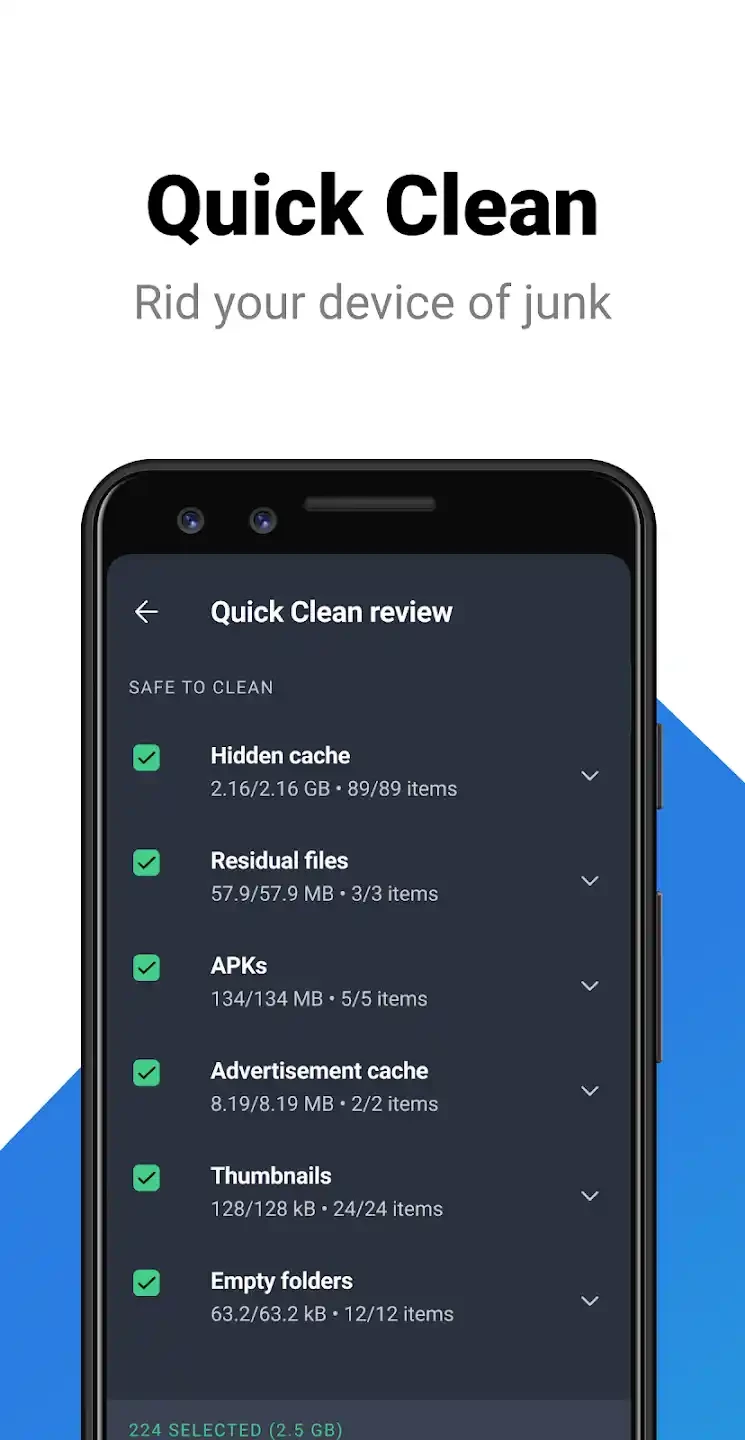
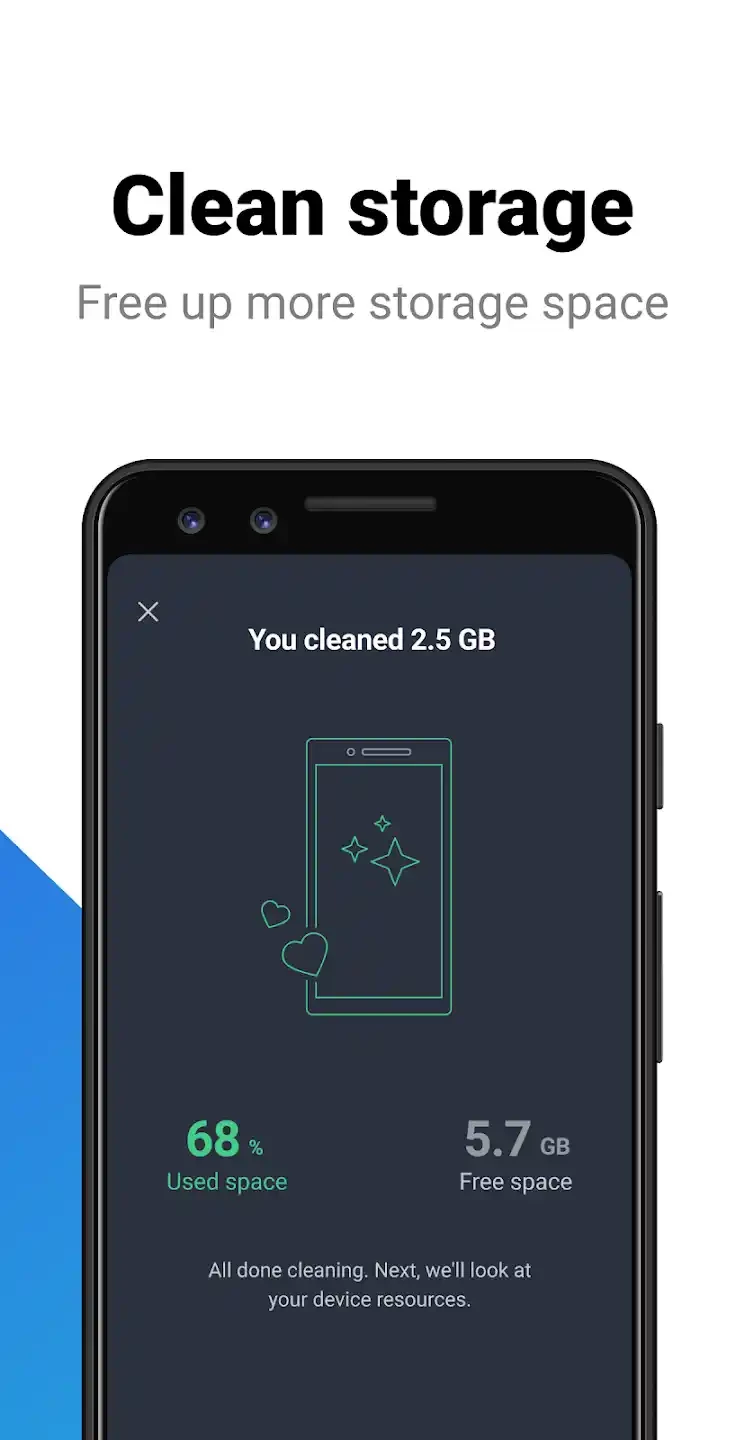
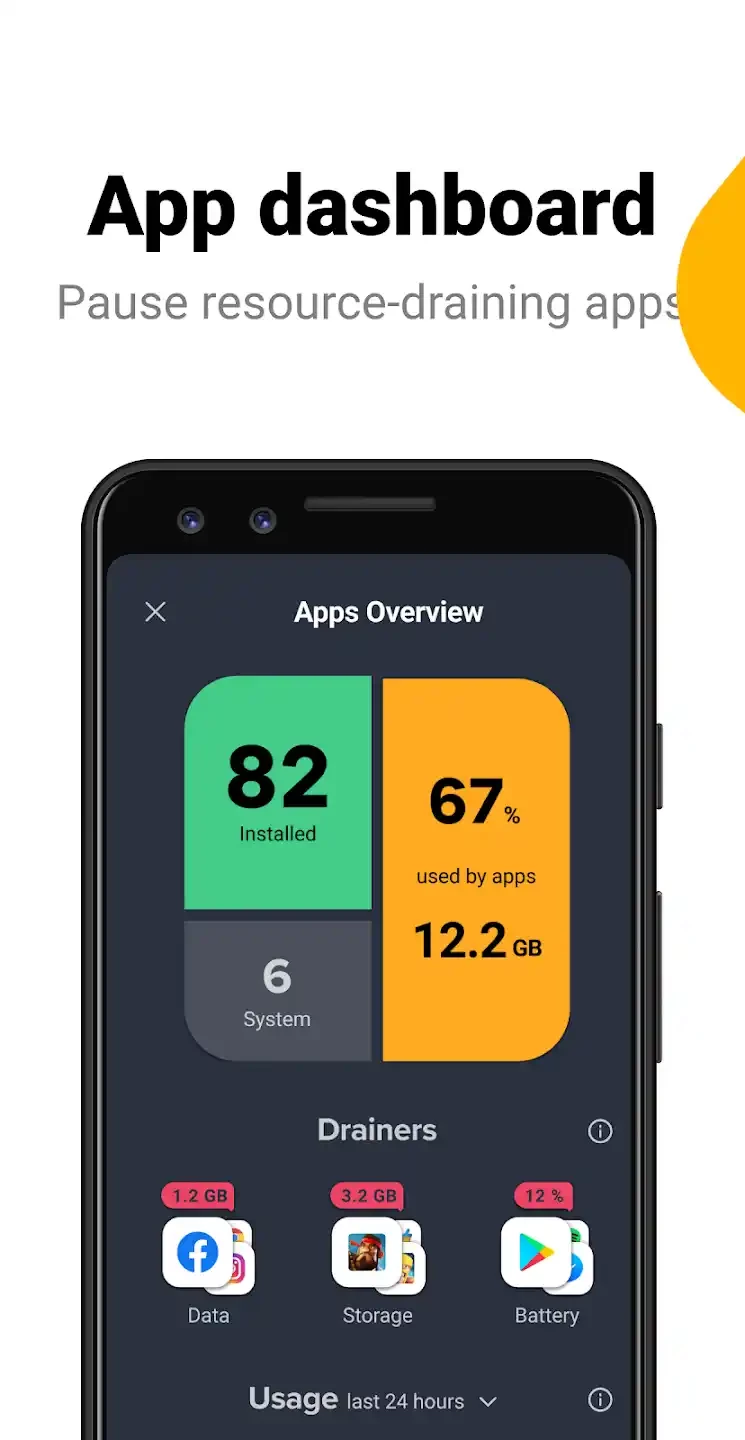
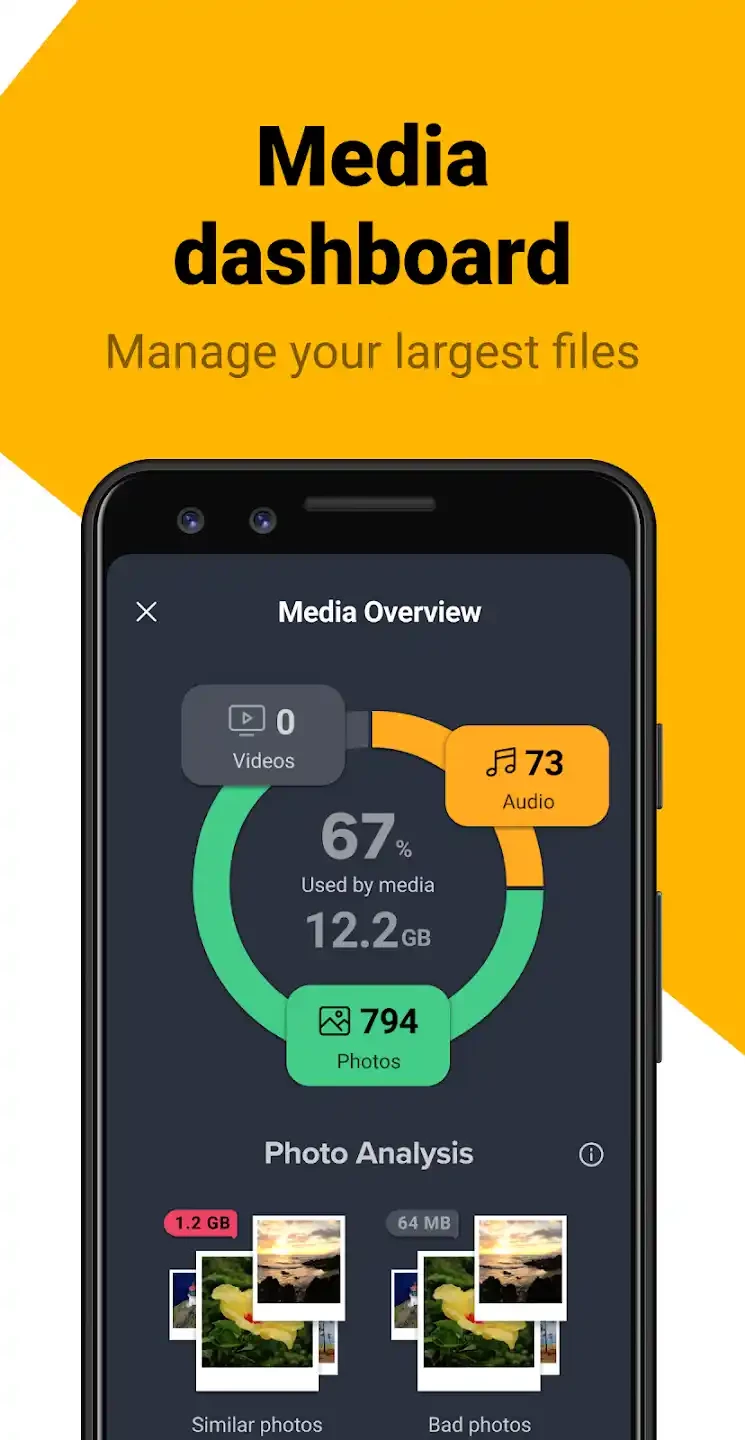
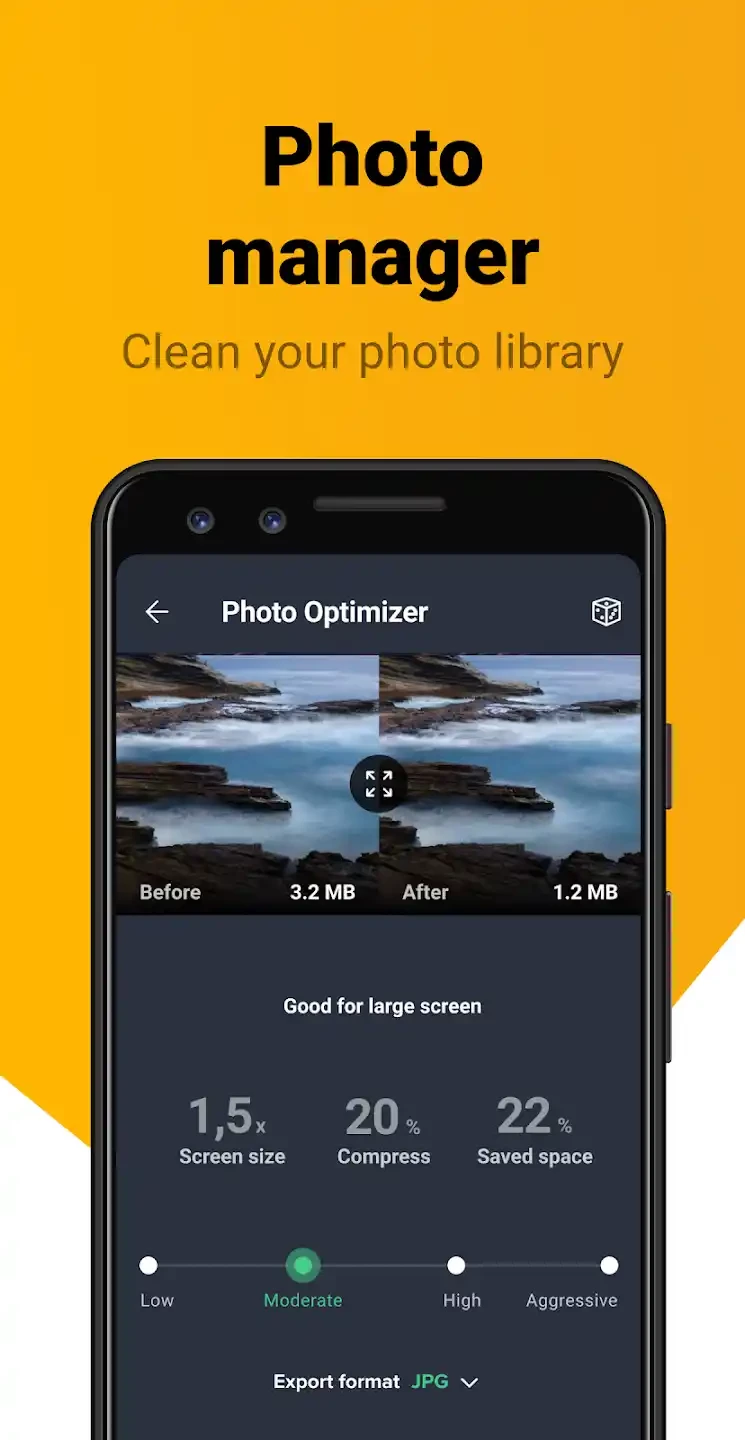
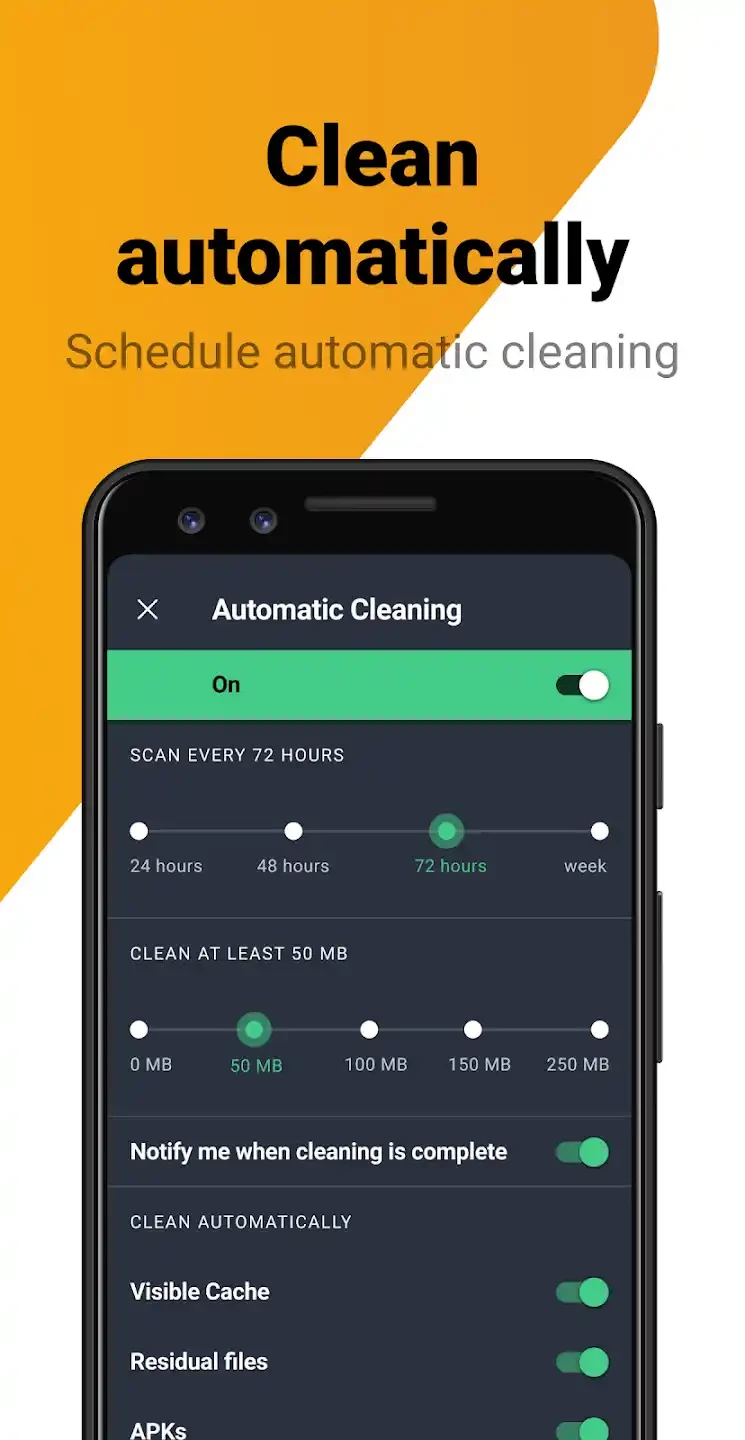
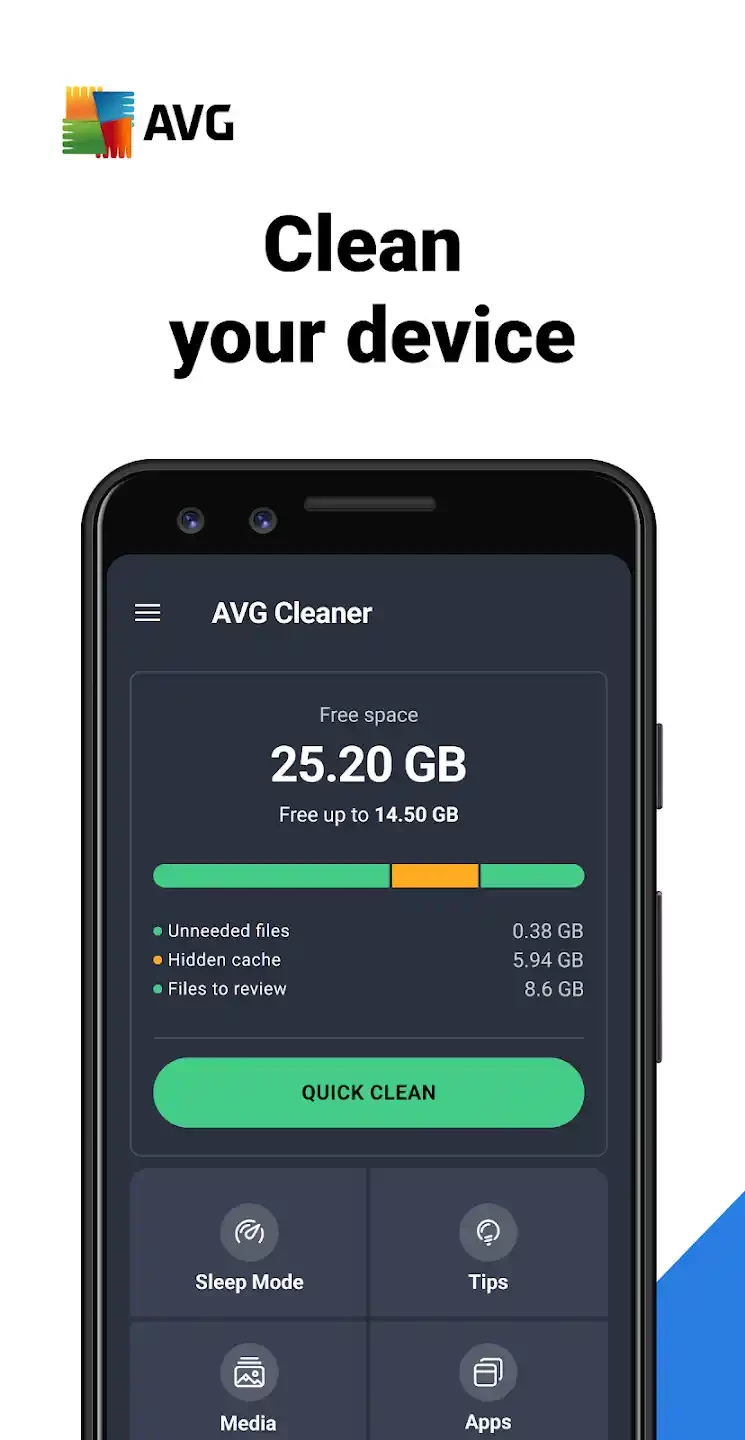
AVG Cleaner – Storage Cleaner 26.12.2 is an Android app from AVG Mobile that helps free up storage on your phone. It scans for cache files, leftover data, duplicate or blurry photos and large files you may no longer need, and lets you review and remove them. The basic app is free, with paid features, and you can download AVG Cleaner for Android from Google Play.
| Item | Details |
|---|---|
| Version | 26.12.2 |
| Developer | AVG Mobile |
| Platform | Android |
| Licence | free, with paid features |
| Size | about 33.59 MB according to catalogue data |
| Links | Google Play, avg.com |
A full phone slows down, cannot take new photos and struggles with updates. Most of the clutter comes from a few sources: caches that apps build up over time, downloads you forgot about, messenger media that piles up in the background, and many similar photos from bursts and repeated attempts. AVG Cleaner groups these into categories so you can see where space goes. Its photo analysis highlights duplicates, similar shots and poor-quality images, which is often where the biggest savings are. You decide what to delete; reviewing the suggestions matters, because a "similar" photo might be the one you like best. The app also shows which installed apps take the most space and which you rarely use, making it easier to uninstall them. What a cleaner should not do is promise dramatic speed boosts: Android manages memory itself, and the real benefit is free storage, not a faster processor.
There is no need to run a cleaner every day. Checking storage once a month, or when the phone warns that space is low, is enough for most people. Caches rebuild themselves as you use apps, so clearing them constantly just makes apps reload data and use more mobile data.
The free version covers the main cleaning functions and shows ads. A paid subscription removes ads and adds extra features. Decide whether you need them before starting a trial, and manage subscriptions in Google Play.
Android's own storage settings show usage by category and suggest files to remove, and Google's Files app offers similar cleanup. Try those first if you prefer not to install another app.
Turbo Booster in our listings is another cleaner app. For recovering files you deleted by mistake, see DiskDigger.
Turbo Booster is a free Android cleaner and booster app from Softonic International SA that clears junk files and closes background apps.

DU Battery Saver is an Android app from DU Apps that shows battery usage and offers power-saving modes and one-tap optimisation.